
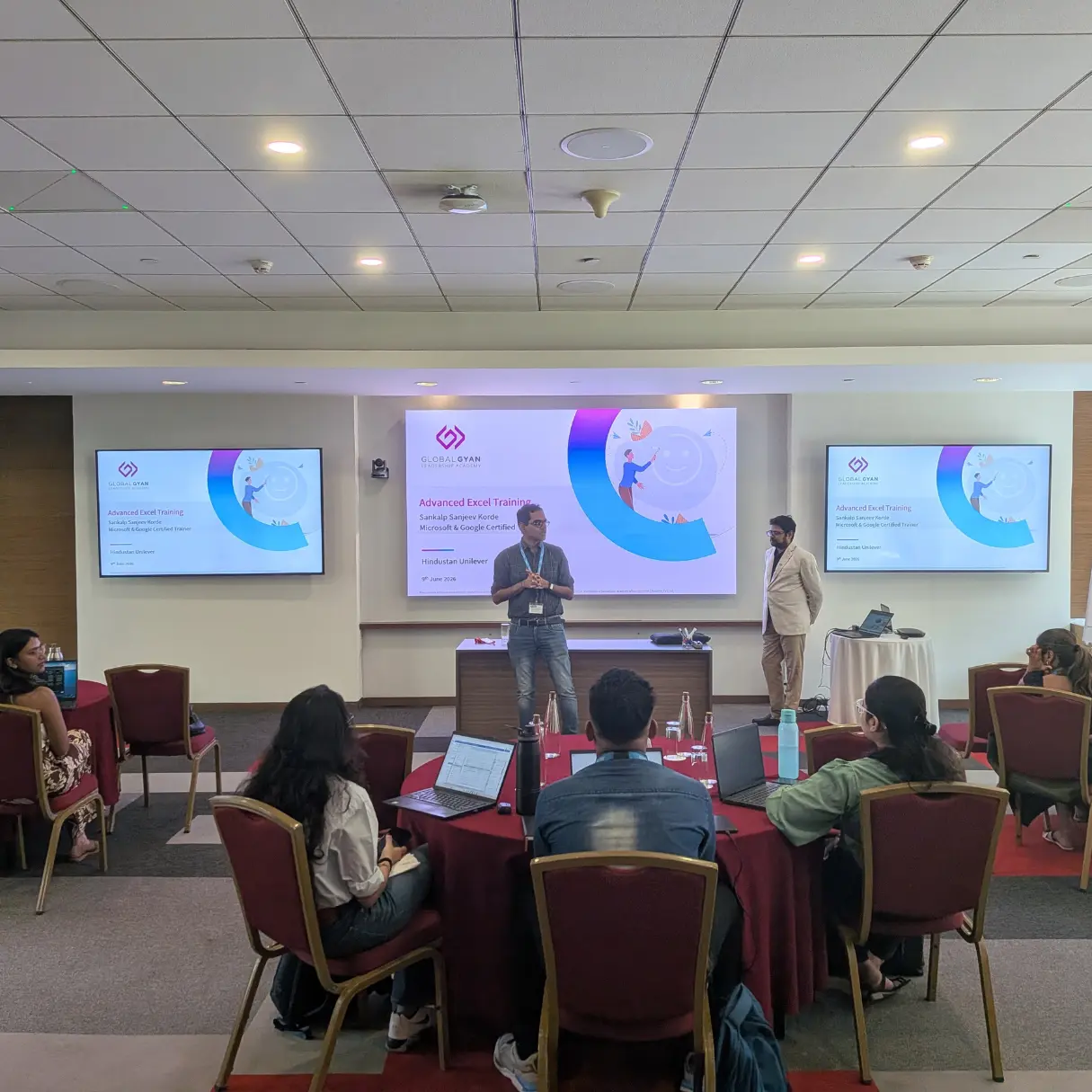
Advanced Excel & AI Program @ Leading FMCG Company



Client
Context
In today’s data-rich business environment, the ability to quickly extract insight from complex datasets isn’t a technical nice-to-have—it’s a core leadership competency. Mid-level managers who spend hours on manual data compilation, error-prone reporting, and basic analysis are losing valuable time they could invest in higher-order thinking, strategic decisions, and team development. For large FMCG organizations managing vast volumes of sales, supply chain, marketing, and operational data, this productivity gap translates directly into slower decisions and missed business opportunities.
A leading FMCG company recognized this challenge among its mid-level management cohort. While managers were comfortable with basic Excel usage, the organization saw significant opportunity to sharpen their data handling, analysis, and reporting capabilities—reducing manual effort, improving accuracy, and enabling faster, more confident decision-making. With AI-enabled tools increasingly embedded in everyday productivity software, the timing was right to build capabilities that combined advanced Excel mastery with practical AI-assisted workflows, creating genuine productivity gains that would compound across the organization.
Client
Objective
The organization’s objective was to equip mid-level managers with advanced data productivity skills that would reduce time spent on manual analysis, improve the quality of business reporting, and build confidence in using modern analytical tools for everyday decision-making. They needed a highly practical, hands-on intervention that would deliver immediately applicable skills rather than theoretical knowledge—with participants leaving each session capable of applying what they learned the very next day. The goal was tangible productivity improvement through a focused one-day workshop that balanced technical skill building with real business-data practice.
Program Design
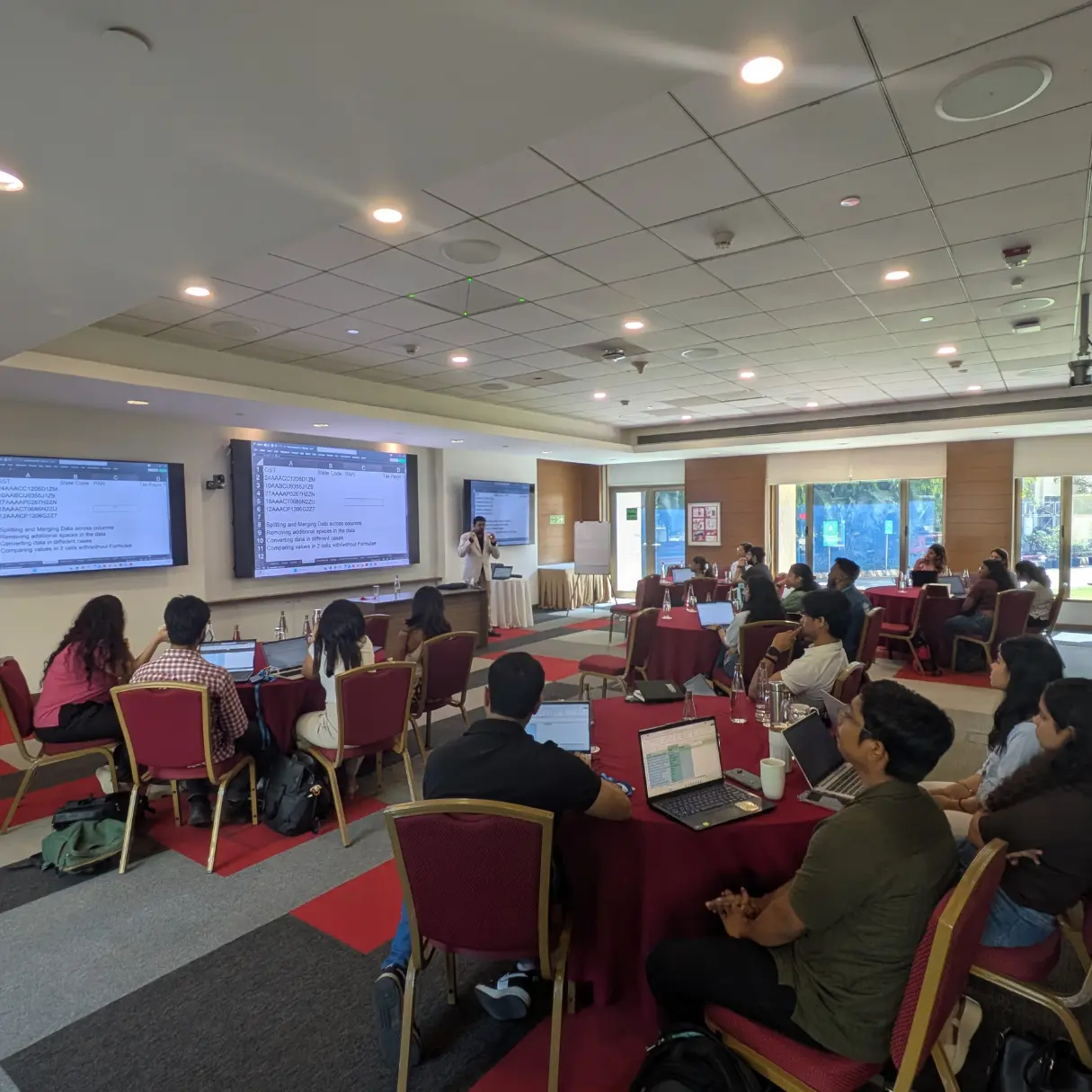
- Hands-On Learning Architecture: Practice-led workshop combining live demonstrations of advanced features with guided Excel exercises on business-relevant datasets, productivity shortcuts and best practices embedded throughout sessions, and AI-supported use cases showing participants how to accelerate analysis and reporting using modern tools—ensuring every concept was immediately practiced rather than passively absorbed.
- Business-First Design Philosophy: All exercises and demonstrations anchored in realistic FMCG business scenarios—sales analysis, supply chain data, marketing performance reporting—ensuring participants could immediately connect new technical capabilities to their actual work contexts and recognize the productivity gains available to them.
Key Themes Covered
1. Power Pivot and Advanced Pivot Reporting
Participants built capabilities for creating powerful dashboards and business summaries using Power Pivot, Pivot Tables, and Pivot Charts—moving beyond basic pivot functionality to sophisticated multi-table data models that handle large datasets with speed and flexibility. They discovered how these tools could transform hours of manual report compilation into minutes of structured analysis, fundamentally changing how they approach business performance reviews and stakeholder reporting.
2. Dynamic Arrays and Advanced Lookup Techniques
Participants learned to harness the power of Office 365 dynamic array functions and advanced lookup formulas to simplify complex data retrieval and manipulation tasks that previously required lengthy, error-prone manual processes. They saw how modern Excel functions can replace complicated nested formulas with elegant, readable solutions—reducing errors, improving maintainability, and making sophisticated analysis accessible without specialist technical backgrounds.
3. Regular Expressions and Conditional Statistics
Participants explored practical applications of Regular Expressions for data cleaning, pattern matching, and text manipulation—capabilities that prove invaluable when working with messy, inconsistently formatted business data. Combined with conditional statistical formulas, they developed powerful techniques for filtering, segmenting, and analysing data across multiple conditions simultaneously, enabling more nuanced business analysis that previously required specialist intervention or time-consuming manual effort.
4. Data Validation and Error Control
Participants built strong foundations for data quality management through structured input controls, validation rules, and error-prevention techniques that reduce the risk of analysis built on faulty data. They learned how proactive data validation—rather than reactive error correction—saves significant time downstream and improves the reliability of business reporting, building confidence in the accuracy of analyses shared with senior stakeholders.
5. Productivity Shortcuts and Excel Best Practices
Participants developed a comprehensive set of productivity habits covering keyboard shortcuts, formatting discipline, file hygiene practices, and workflow optimization techniques that compound daily time savings across the cohort. The module emphasized building systematic approaches to Excel work rather than ad-hoc habits, creating consistent, professional outputs that improve readability, reduce errors, and make collaborative work on shared files significantly more efficient.

Looking to build a customized leadership journey? We're here to help!
- Tailored Corporate Leadership Programs
- Outcome-Oriented Learning
- Gamified Assessments & Experiential Engagements
 GlobalGyan Leadership Academy